
LINE 26.11.0 for Android
26.11.0 · LY Corporation · Page updated
LINE for Android is the mobile app of the LINE messenger for free chats and group conversations with friends, family and businesses.
Rate Line
Average 0.0 · ratings: 0
Thank you! Your rating is saved; you can change it. Could not save the rating. Please try again later. Too many ratings from your network today. Please try again tomorrow. The average appears after 5 ratings.
Screenshots
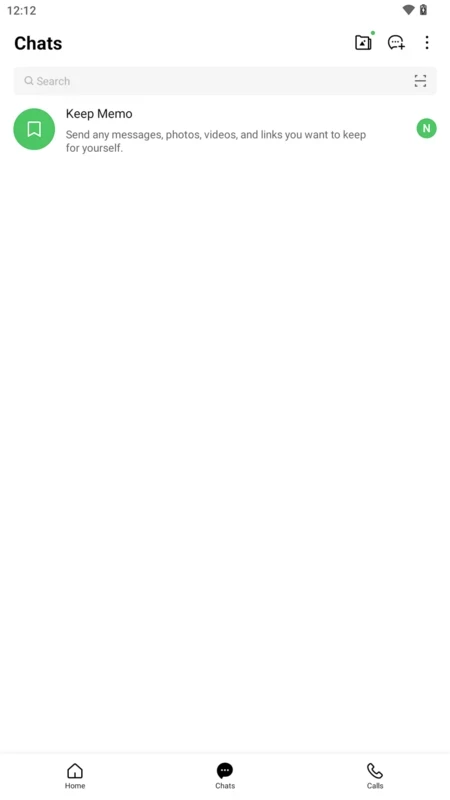
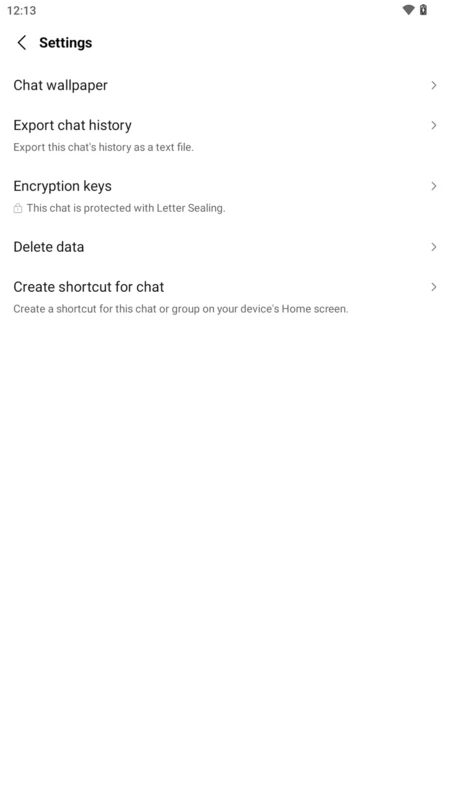
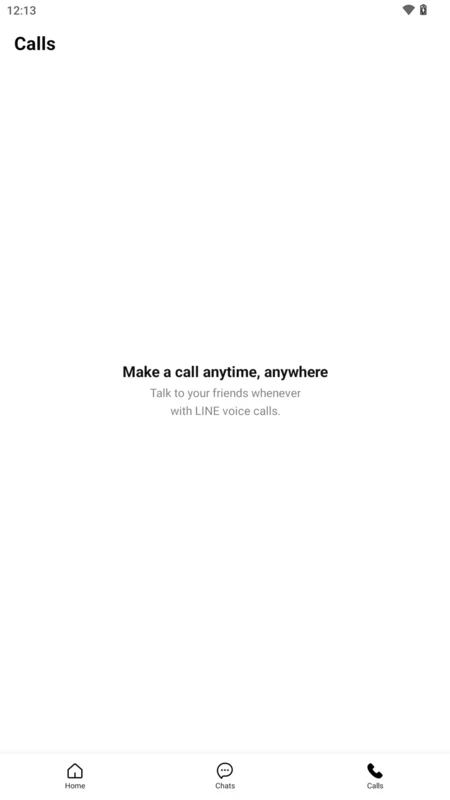
About Line
LINE 26.11.0 is the Android app of LINE, a free instant messaging and social networking service launched on June 23, 2011. You can download LINE for Android from Google Play and use it for chats, calls and group conversations with friends, family and businesses.
Quick facts
| Item | Details |
|---|---|
| Version | 26.11.0 |
| Developer | LY Corporation (LINE Corporation) |
| First release | June 23, 2011 |
| Requires | Android 11.0 or later |
| Other platforms | iOS, Windows, macOS, watchOS, Wear OS, Chrome |
| Price | Free |
| Size | about 159.83 MB according to catalogue data |
What you can do with LINE
LINE combines a messenger with elements of a social network. Everyday use is simple: private chats and group chats, sharing photos and files, and following the updates of people and businesses you are connected with. The app is especially helpful if your contacts already live on LINE, for example relatives abroad or communities that chose it for their group chats. Your account on the phone is the centre of everything: the desktop and watch apps connect to it.
Which Android versions are supported?
- Phones: Android 11.0 or later.
- Tablets: Android 12L or later (Android 13 or later for Samsung tablets).
- Wear OS: Wear OS 3.0 or later with LINE 12.18.0 or later.
- Older phones: Android 10 can use up to LINE 15.15.1, Android 9 up to LINE 15.2.1, Android 8.0–8.1 up to LINE 14.4.6.
- Android 7.1.2 and earlier are not supported.
Details are on the LINE Help Center. A device without Google Play cannot update LINE.
Installing it
- Open the LINE page on Google Play and tap Install.
- Register with your phone number and confirm it with the code.
- Allow access to contacts only if you want LINE to suggest friends.
- Check the account settings so you know how to keep your chats when you change phones.
Security tips
Never share verification codes, even with someone who claims to be LINE support. Lock your phone with a PIN if others use it, and review privacy settings for friend suggestions. Install LINE only from Google Play or the links on line.me; modified APK versions can steal your account.
Saving storage
Photos and videos from busy group chats pile up quickly. Clear the cache in the app settings from time to time, turn off automatic downloads of media on mobile data, and back up the chats that matter before deleting anything. If the phone runs short of space, check which chats take the most storage and clean those first.
Pros and cons
- Pro: private and group chats in one app.
- Pro: desktop and watch apps linked to the phone.
- Pro: free to use.
- Con: requires a recent Android version.
- Con: large app with many extra sections.
Alternatives
Other messengers for Android in our listings: WhatsApp Messenger, Telegram, Viber, WeChat and Facebook Messenger.